
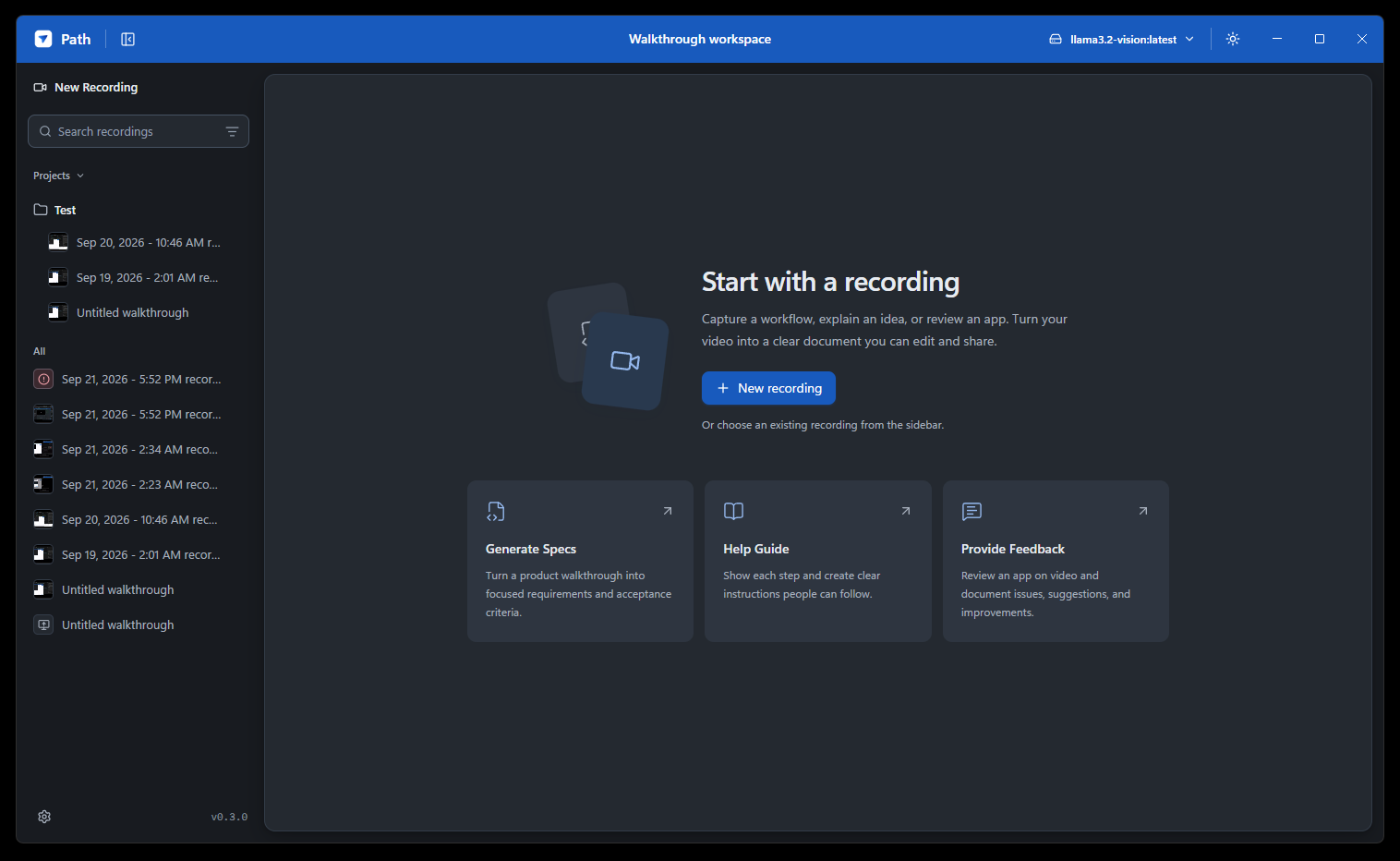
Capture your workflow
Record a screen, window, or region, with optional microphone and click capture.
 Path
PathRecord a workflow. Turn it into a help guide or spec you can edit and share. Open source, with your choice of AI.
Record a screen, window, or region, with optional microphone and click capture.
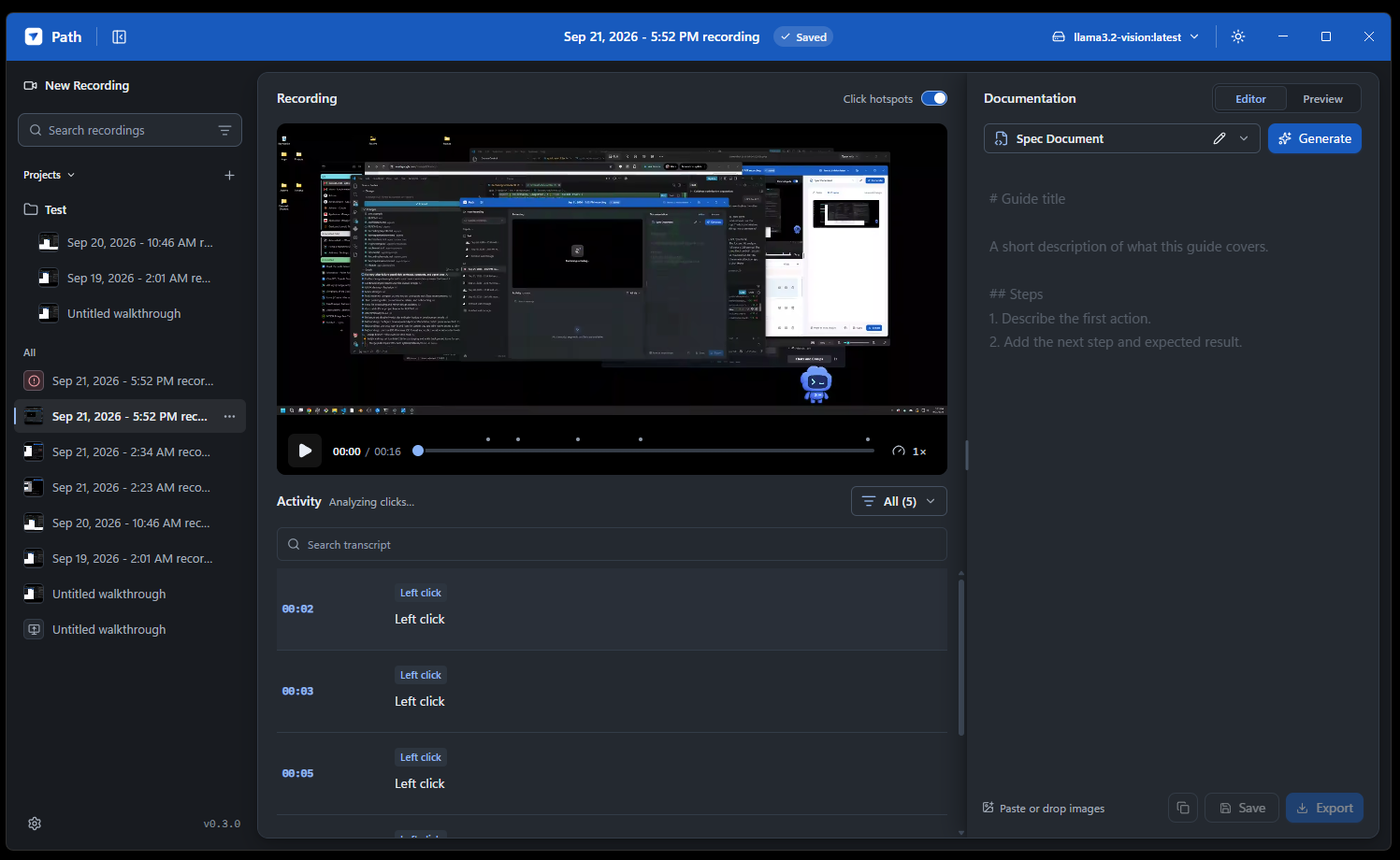
Review the video, click screenshots, and transcript together. Edit what needs a correction.
Generate a help guide or spec, refine the Markdown, and take it wherever you work.
Use a local Ollama model or your preferred cloud provider. Your media is stored locally.
A simple path from screen to document
Pick a source and record a walkthrough. Explain the process, demonstrate a feature, or talk through an improvement.
Replay the video, seek from activity timestamps, and correct the transcript before turning it into a document.
Select Help Guide, Spec Document, or your own instructions. Generate, edit, and export Markdown.
Onboarding, product instructions, and the everyday workflows worth writing down.
Turn a product walkthrough and your observations into a focused document to refine.
Your tools. Your choice.
Recording and video processing work without a cloud AI provider. When you're ready to generate, choose the model that fits your workflow.
Read about AI and privacyUse a vision-capable model on your computer. A remote endpoint receives the supplied context.
Bring a provider key. The context needed for click analysis or document generation goes to your selected provider.
Path is open source under the Apache-2.0 license. You can explore, run, and contribute to the source on GitHub. If you choose a cloud AI provider, its usage costs and terms apply.
On Windows, download the installer using the Install button above. For source setup, follow the repository guide. Running from source requires Node.js 22.14 or newer and npm 10 or newer. Some native dependencies may need C++ build tools.
Read the setup guideWindows is the primary development target. macOS packaging is configured, but native runtime and permissions still need validation. Linux does not currently have an installer target.
Recordings, screenshots, and transcripts are stored locally. Capture and video processing do not require cloud AI. If you select a cloud provider or remote Ollama endpoint, the context needed for that operation is sent there. Cloud document generation does not send raw video or audio.
Generated documents need your review. Markdown drafts are not autosaved, so copy or export them before switching recordings or closing Path. System audio and user-facing pause and resume are not yet available.
See current limitationsOpen source by Automated.
Explore the source, try Path, and help shape what comes next.
Explore the repository